






| SPECIFICATIONS | |
| Brand | Gigabyte |
| Model | GA-AB350-GAMING 3 |
| Series | Auros Gaming |
| Processor | |
| Socket | AM4 Socket |
| CPU Support | AMD RYZEN processor |
| (Please refer "CPU Support List" for more information.) | |
| Chipset | AMD B350 |
| Memory | 4x DDR4 DIMM sockets supporting up to 64 GB of system memory |
| *Due to a Windows 32-bit operating system limitation, when more than 4 GB of physical memory is installed, the actual memory size displayed will be less than the size of the physical memory installed. | |
| Dual channel memory architecture | |
| Support for DDR4 3200(O.C.) / 2933(O.C.) / 2667 / 2400 / 2133MHz memory modules | |
| Support for ECC Un-buffered DIMM 1Rx8 / 2Rx8 memory modules (operate in non-ECC mode) | |
| Support for non-ECC Un-buffered DIMM 1Rx8 / 2Rx8 / 1Rx16 memory modules | |
| (Please refer "Memory Support List" for more information.) | |
| Onboard Graphics | Integrated Graphics Processor: |
| 1x DVI-D port, supporting a maximum resolution of 1920x1200 @60Hz | |
| *The DVI-D port does not support D-Sub connection by adapter. | |
| 1x HDMI port, supporting a maximum resolution of 4096x2160@24 Hz | |
| *Support for HDMI 1.4 version. | |
| Maximum shared memory of 2 GB | |
| Audio | Realtek ALC1220 codec |
| High Definition Audio | |
| 2/4/5.1/7.1-channel | |
| Support for S/PDIF Out | |
| LAN | Realtek GbE LAN chip (10/100/1000 Mbit) |
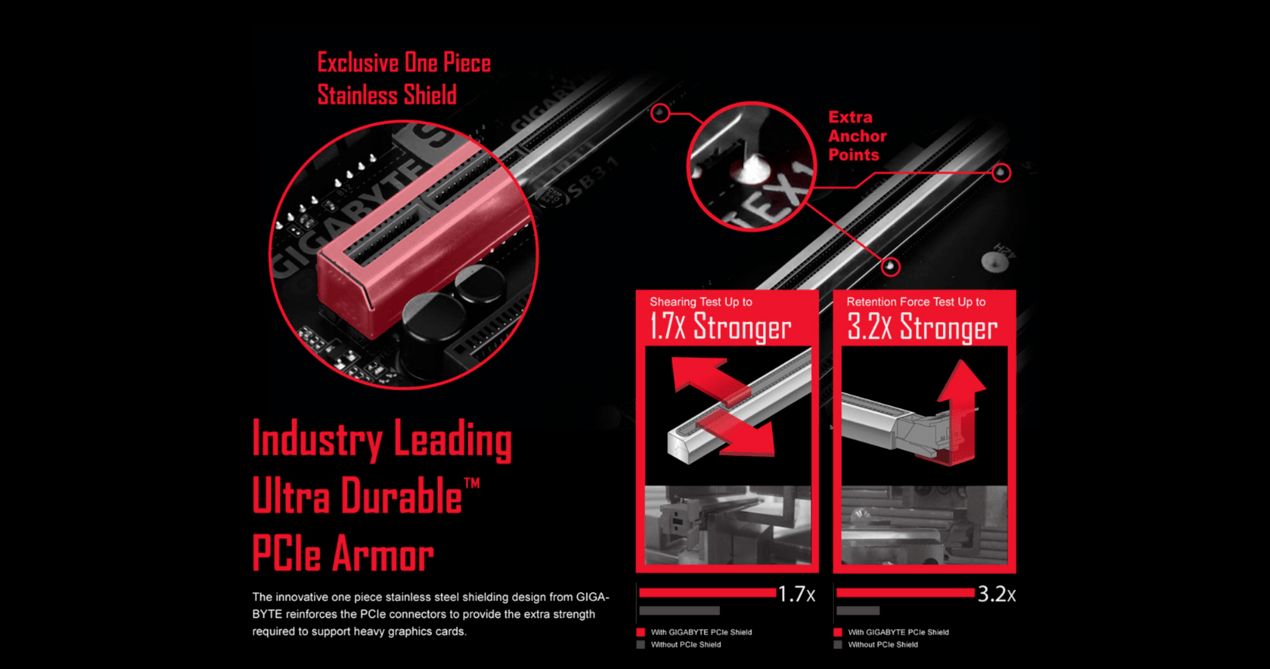
| Expansion Slots | 1x PCI Express x16 slot, running at x16 (PCI-e x16) |
| *For optimum performance, if only one PCI Express graphics card is to be installed, be sure to install it in the PCI-e x16 slot. | |
| *Actual support may vary by CPU. | |
| (The PCI-e x16 slot conforms to PCI Express 3.0 standard.) | |
| 1x PCI Express x16 slot, running at x4 (PCI-e x4) | |
| *The PCI-e x4 slot shares bandwidth with the PCI-e x1_2 and PCI-e x1_3 slots. The PCI-e x4 slot operates at up to x2 mode when the PCI-e x1_2/PCI-e x1_3 slot is populated. The PCI-e x4 slot operates at up to x4 mode when both of the PCI-e x1_2 and PCI-e x1_3 slots are empty. | |
| *Actual support may vary by CPU. | |
| 1x PCI Express x16 slot, running at x1 (PCI-e x1_3) | |
| 2x PCI Express x1 slots | |
| (The PCI-e x4 and PCI Express x1 slots conform to PCI Express 2.0 standard.) | |
| Storage Interface | |
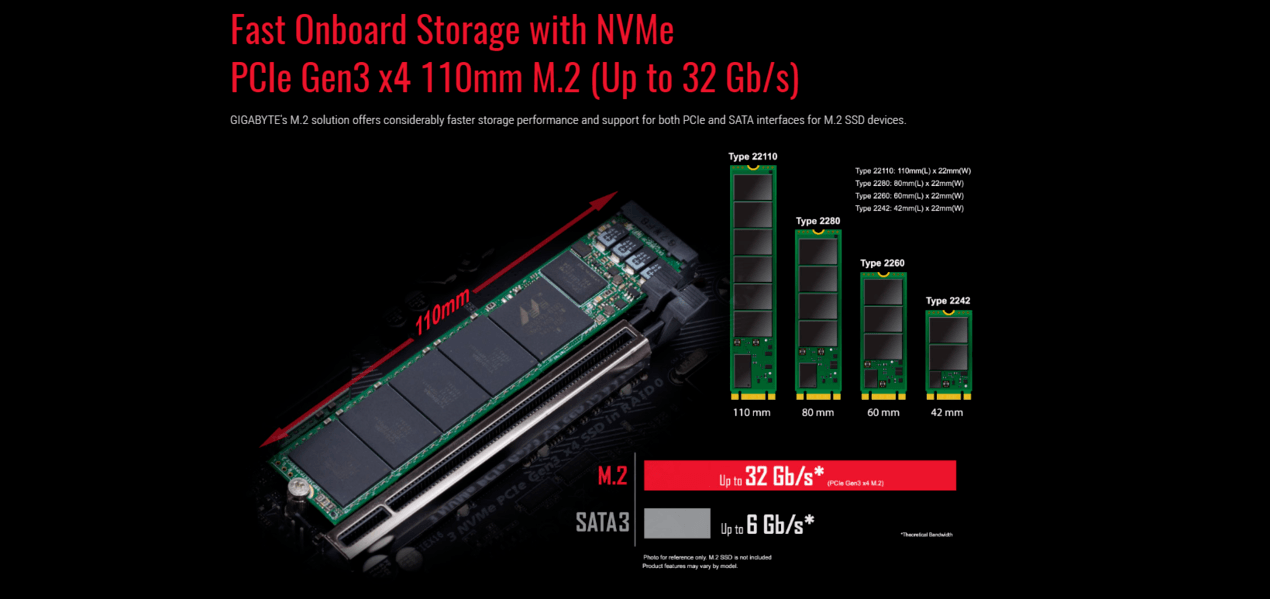
| Chipset | 1x M.2 connector (Socket 3, M key, type 2242 / 2260 / 2280 / 22110 SATA and PCIe x4*/ x2 SSD support) |
| *Actual support may vary by CPU. | |
| 6x SATA 6Gb/s connectors | |
| Support for RAID 0, RAID 1, and RAID 10 | |
| *Refer to "1-7 Internal Connectors," for the installation notices for the M.2 and SATA connectors. | |
| USB | |
| Chipset: | 2x USB 3.1 Gen 2 Type-A ports (red) on the back panel |
| 2x USB 3.1 Gen 1 ports (available through the internal USB header) | |
| 5x USB 2.0/1.1 ports (1 port on the back panel, 4 ports available through the internal USB headers) | |
| CPU: | 4x USB 3.1 Gen 1 ports on the back panel |
| Internal I/O Connectors | 1x 24-pin ATX main power connector |
| 1x 8-pin ATX 12V power connector | |
| 1x M.2 Socket 3 connector | |
| 6x SATA 6Gb/s connectors | |
| 1x CPU fan header | |
| 1x water cooling CPU fan header | |
| 2x system fan headers | |
| 1x system fan/water cooling pump header | |
| 1x front panel header | |
| 1x front panel audio header | |
| 1x S/PDIF Out header | |
| 1x USB 3.1 Gen 1 header | |
| 2x USB 2.0/1.1 headers | |
| 1x Trusted Platform Module (TPM) header | |
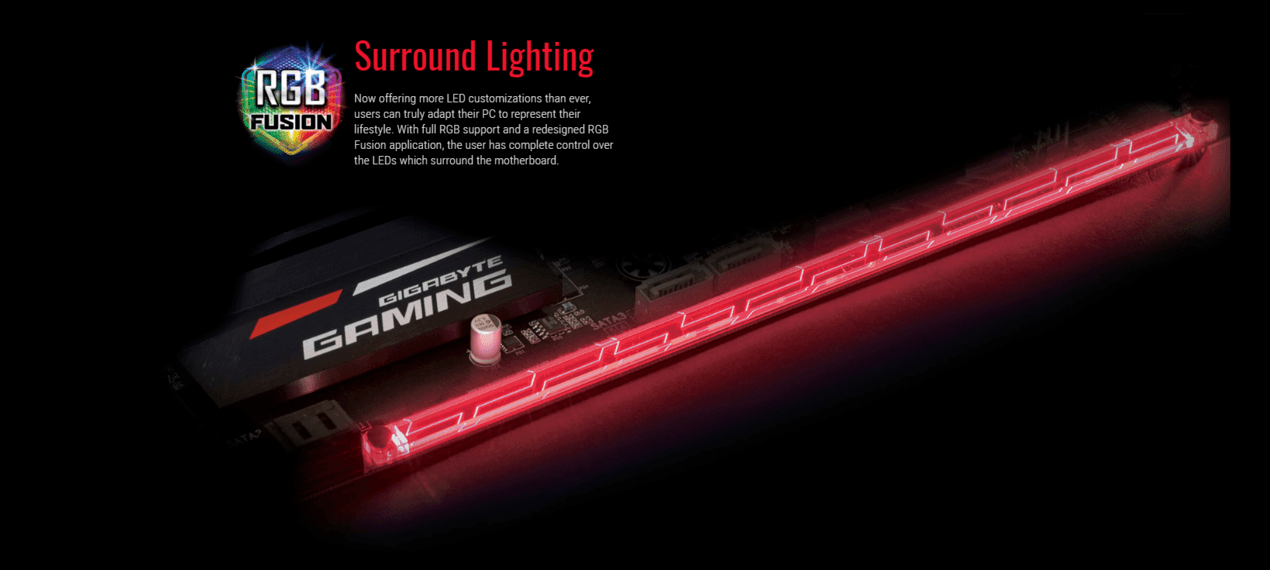
| 1x CPU cooler LED strip/RGB LED strip extension cable header | |
| 1x RGB (RGBW) LED strip extension cable header | |
| 1x Clear CMOS jumper | |
| Back Panel Connectors | 1x PS/2 keyboard/mouse port |
| 1x DVI-D port | |
| 1x HDMI port | |
| 4x USB 3.1 Gen 1 ports on the back panel | |
| 2x USB 3.1 Gen 2 Type-A ports (red) | |
| 1x USB 2.0/1.1 port | |
| 1x RJ-45 ports | |
| 1x optical S/PDIF Out connector | |
| 5x audio jacks (Center/Subwoofer Speaker Out, Rear Speaker Out, Line In, Line Out, Mic In) | |
| I/O Controller | iTE I/O Controller Chip |
| H/W Monitoring | Voltage detection |
| Temperature detection | |
| Fan speed detection | |
| Overheating warning | |
| Fan fail warning | |
| Fan speed control | |
| *Whether the fan (pump) speed control function is supported will depend on the fan (pump) you install. | |
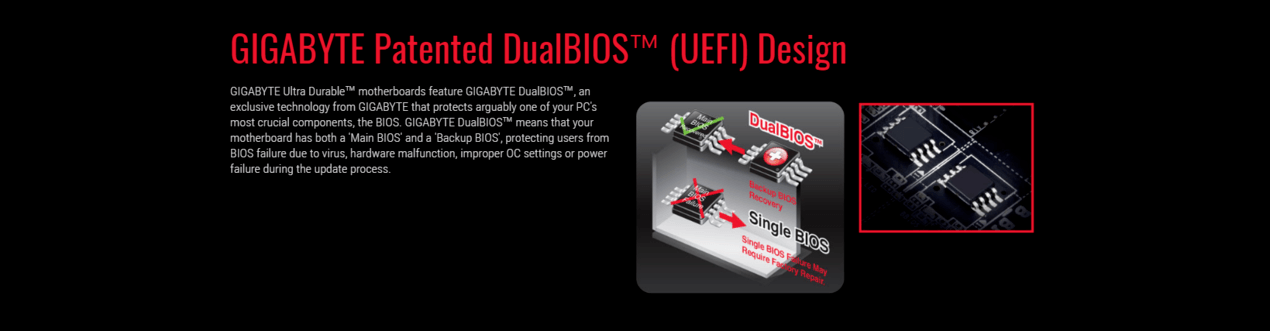
| BIOS | 2x 128 Mbit flash |
| Use of licensed AMI UEFI BIOS | |
| Support for DualBIOS | |
| PnP 1.0a, DMI 2.7, WfM 2.0, SM BIOS 2.7, ACPI 5.0 | |
| Unique Features | Support for APP Center |
| * Available applications in APP Center may vary by motherboard model. Supported functions of each application may also vary depending on motherboard specifications. | |
| @BIOS | |
| 3D OSD | |
| AutoGreen | |
| BIOS Setup | |
| Cloud Station | |
| Color Temperature | |
| EasyTune | |
| Fast Boot | |
| Game Boost | |
| ON/OFF Charge | |
| RGB Fusion | |
| Smart Backup | |
| Smart Keyboard | |
| Smart TimeLock | |
| System Information Viewer | |
| USB Blocker | |
| USB DAC UP 2 | |
| V-Tuner | |
| Support for Q-Flash | |
| Support for Xpress Install | |
| Operating System | Support for Windows 10 64-bit |
| Support for Windows 7 64-bit | |
| *Please download the "Windows USB Installation Tool" from GIGABYTE's website and install it before installing Windows 7. | |
| Form Factor | ATX Form Factor; 30.5cm x 23.0cm |
| Remark | Due to different Linux support condition provided by chipset vendors, please download Linux driver from chipset vendors' website or 3rd party website. |
| Most hardware/software vendors may no longer offer drivers to support Win9X/ME/2000/XP. If drivers are available from the vendors, we will update them on the GIGABYTE website. | |
| Warranty Information | |
| Warranty | 3 Year Warranty |
| Manufacturer's Site | Visit the manufacturer's website |
|---|---|
| Product Link | Visit the manufacturer's page for this product |
- Weak VRMs and... - Lucifaux, 21 June 2019
General instability, weak VRMs aside... the marketing for this motherboard was heavily focused on RGB, that's usually a bad sign, a sign I ignored... Like a growing mole - turning out to be cancer after one later.
I could write a more thorough review, but it's simply not even worth the extra time.
What saves this from being a one star, are the features. It's well equipped.
This is also not Wootware's fault, let me just make that clear.
Spend a few hundred extra and get something decent. - Great Board - Lance, 24 November 2018
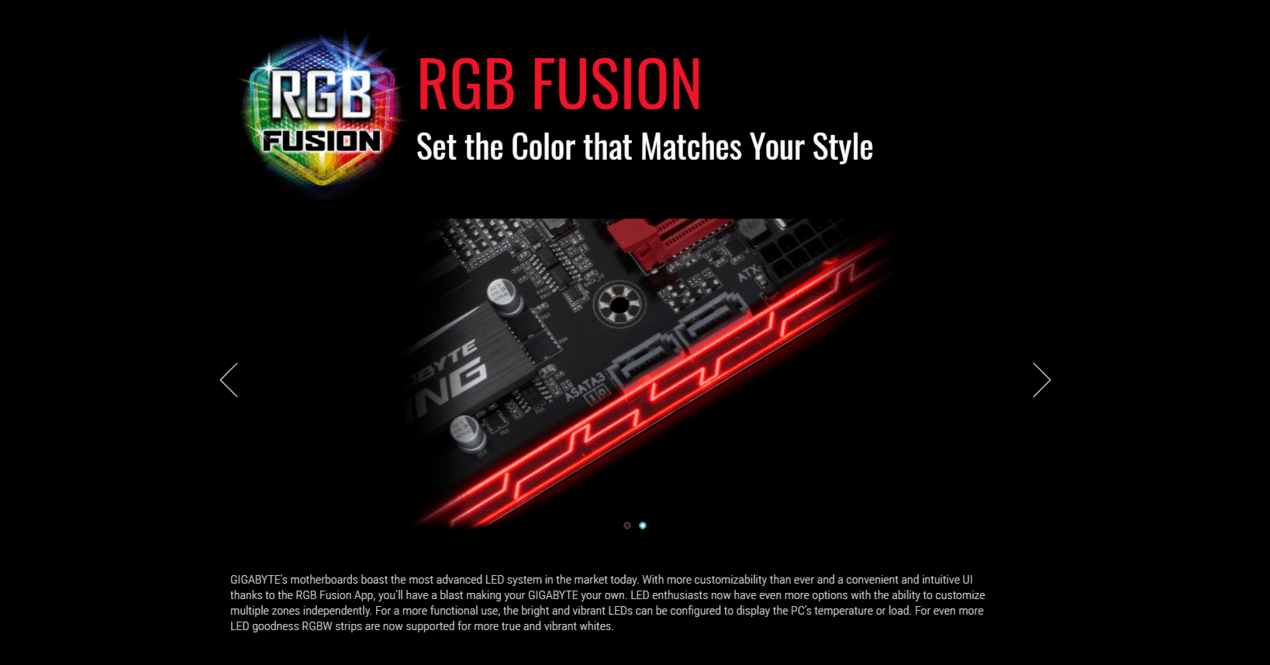
Great motherboard, the fact that at this price point you get an integrated RGB LED strip on this is incredible, so easy to use too, all you have to do is download the app for this board and you can check on your temps and also set the colour for the LED strip, very impressed, 5 Stars!
- Terrible - Francois, 1 July 2018
If I could give this board a lower rating than 1 star, I would. 1st of all a big reason people would buy this board over the Asus Prime B350 is because this one has an RGB strip. So it is safe to say that this board's main marketing point is on the RGB. However, their RGB software(RGB Fusion) is terrible. It isn't user friendly, the color schemes are mediocre compared to other brand's RGB software. Also, the RGB strip broke after 1 week so I had to return it. Another problem was the sticker on the board was removed. This sticker voids the warrenty of the board if it is removed. Wootware thought I removed it, but I didn't since Wootware build my case. But Wootware looked on teh video recording of the person building my PC and said that they didn't remove it. Then Wootware said that the sticker must have just fell off. So basically Gigabyte attachment the sticker in a flimsy way. Not impressed with this board. Maybe I was jsut unlucky, but rather buy the Asus Prime B350, or save more money and buy the Asus Strix
